
Calorie & macro tracking
Free macro & calorie tracking with AI
Log what you eat, see your progress, and estimate macros with AI, powered by your own Google Drive and your own API key.
See the app
A quick look at the app. Simple logging, clear daily totals, and photo meal estimates.
-
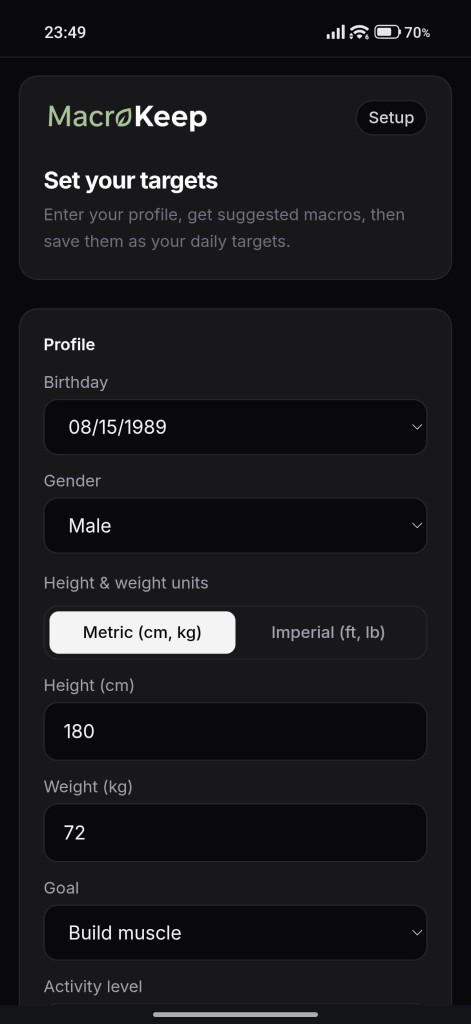
Setup -
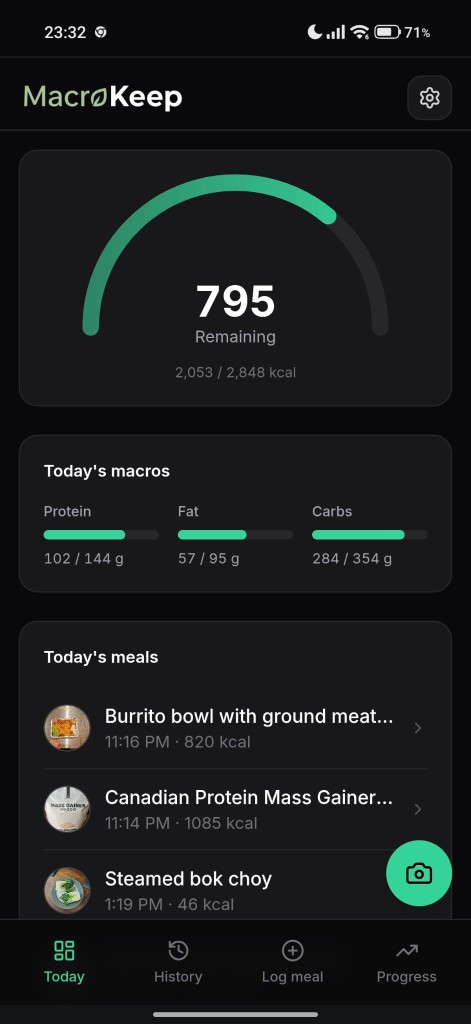
Today -
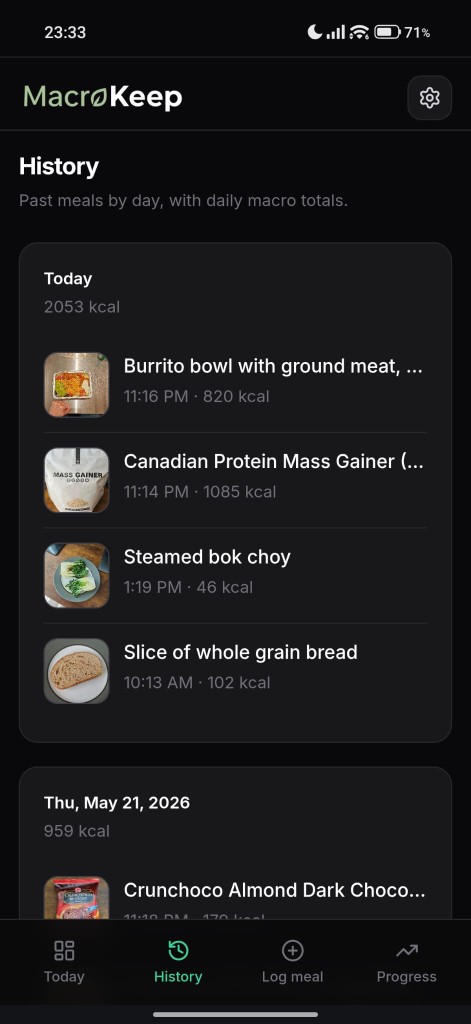
History -
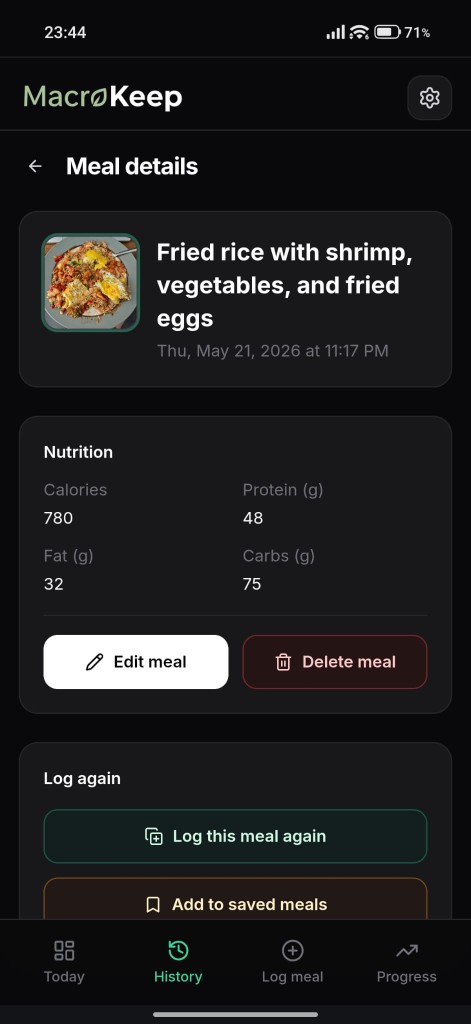
Meal details -
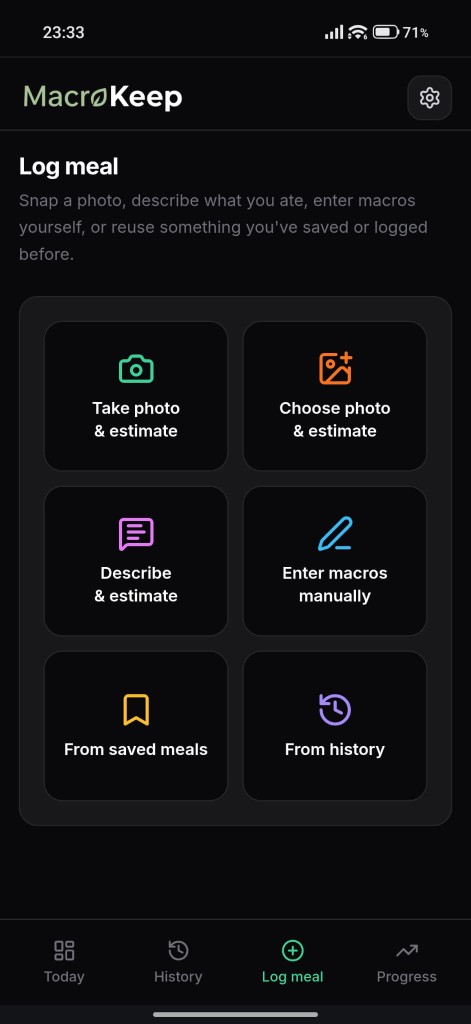
Log meal
Why MacroKeep exists
I got tired of calorie apps that charge extra to scan meals or cram the screen with clutter. I wanted something simple and free, so I built MacroKeep for myself, and kept it clean enough to share.
What you can do
- Daily macro diary Log meals and see protein, carbs, and fat against your daily targets.
- Log meals your way Snap a photo, describe what you ate, or enter macros yourself. Gemini can estimate from photos and text when you want AI.
- History & progress Browse past days, charts, saved meals, and progress photos.
How it works
- Sign in with Google.
- Your log lives in a private Google Drive app folder , not on our servers, and separate from My Drive.
- Open it in the browser on your phone or desktop, or add it to your home screen.
FAQ
- Is MacroKeep free?
- Yes, 100%. The app itself has no subscriptions and no ads. For the AI photo/text features, the app connects to your own free Gemini API key from Google AI Studio. It takes less than a minute to set up, costs nothing for personal use, and ensures you retain full control over your AI usage.
- Why a Gemini API key?
- Photo and text meal estimates run through Google Gemini. Your key is stored in Drive with your other MacroKeep data.
- Where is my data?
- Your logs live in a secure, hidden Google Drive app folder tied to your personal Google account, separate from your main My Drive. MacroKeep has zero database servers, meaning we never see, store, or sell your personal data.
- Questions or feedback?
- [email protected]